

Want to integrate with LangGraph? Check out the LangGraph
integration page.
Evaluating LangChain applications
You can set up Openlayer tests to evaluate your LangChain applications in monitoring and development.Monitoring
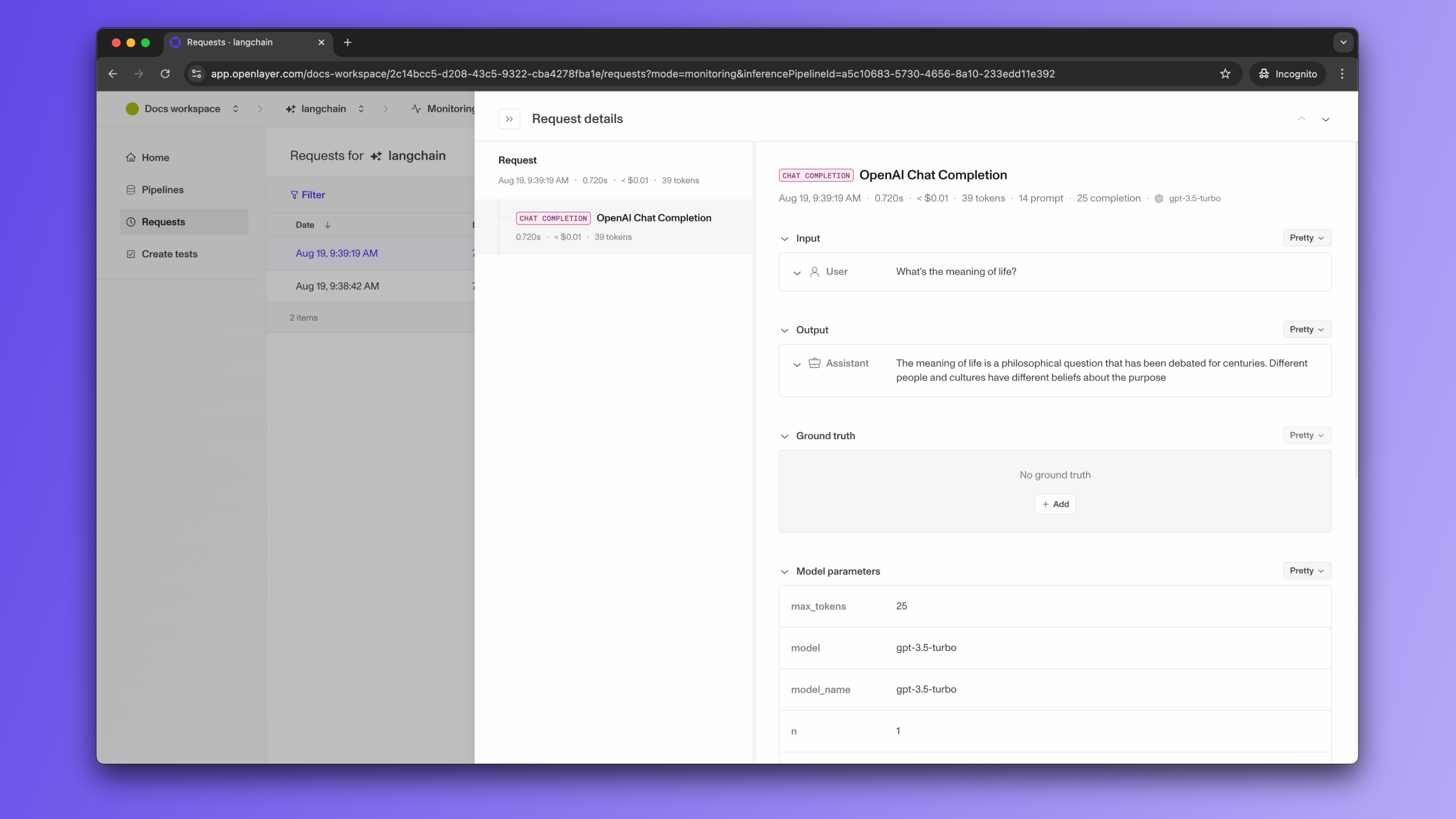
To use the monitoring mode, you must instrument your code to publish the requests your AI system receives to the Openlayer platform. To set it up, you must follow the steps in the code snippet below:See full Python example
If the LangChain LLM/chain invocations are just one of the steps of your AI
system, you can use the code snippets above together with
tracing. In this case, your LangChain LLM/chain
invocations get added as a step of a larger trace. Refer to the Tracing
guide for details.
Development
In development mode, Openlayer becomes a step in your CI/CD pipeline, and your tests get automatically evaluated after being triggered by some events. Openlayer tests often rely on your AI system’s outputs on a validation dataset. As discussed in the Configuring output generation guide, you have two options:- either provide a way for Openlayer to run your AI system on your datasets, or
- before pushing, generate the model outputs yourself and push them alongside your artifacts.
OPENAI_API_KEY, if it uses ChatMistralAI,
you must provide a MISTRAL_API_KEY,
and so on.
To provide the required API credentials, navigate to “Workspace settings” -> “Environment variables,”
and add the credentials as variables.
If fail to add the required credentials, you’ll likely encounter a “Missing API key”
error when Openlayer tries to run your AI system to get its outputs.
Supported LangChain versions
The callback handler imports fromlangchain-core only, so it works with LangChain v1,
where the langchain.schema and langchain.callbacks.base import paths no longer exist.
If LangChain is not installed, the handler raises an ImportError pointing you to
pip install langchain-core.
The handler reads the provider of each chat completion step from metadata["ls_provider"],
the standardized value LangChain attaches to callback metadata (such as openai,
anthropic, or google_vertexai). When ls_provider is absent, the handler falls back to
the legacy _type value from the model’s invocation parameters (such as openai-chat or
chat-google-generative-ai), so applications on earlier LangChain versions resolve to the
same providers. Models called through a LiteLLM proxy resolve from
the model prefix instead.
The provider determines the step name and the
cost estimate. A provider the handler has no mapping for is
title-cased and used as LangChain reports it.
Advanced callback handler features
The Openlayer LangChain callback handler supports several advanced features for enhanced observability, including support for:Asynchronous usage
When using asynchronous usage, make sure you use theAsyncOpenlayerHandler instead of the OpenlayerHandler.
Python
Streaming responses
When using streaming, make sure you setstream_usage=True when calling the streaming method.
This way, the Openlayer callback handler is able to capture usage information from the streaming responses.
Python
Metadata transformation
You can use ametadata_transformer function to filter, modify, or enrich metadata before it’s logged to Openlayer:
Python
Context logging for RAG systems
The handler automatically logs context from retrieval steps and chains containingsource_documents, enabling context-dependent metrics:
Python